
Mac
The site demonstrates the development Mac app. A public App Store download is not connected in this preview.
Read the Mac guide ↗Little notes. Useful details.
Capture a thought, give it shape, and return to it when it matters.
The keyboard is king
Type a thought. Press Return. Keep going. Quick entry keeps up when one idea leads to another.
Find your keyboard rhythm ↗Native Mac recording: Outline the main story, Choose a cover image, and Send the draft for review are added in quick-entry mode, using Return between tasks.
Open recordingA little color. A lot of you.
A color for every train of thought. Light or dark, make it yours.
Butter · Light mode
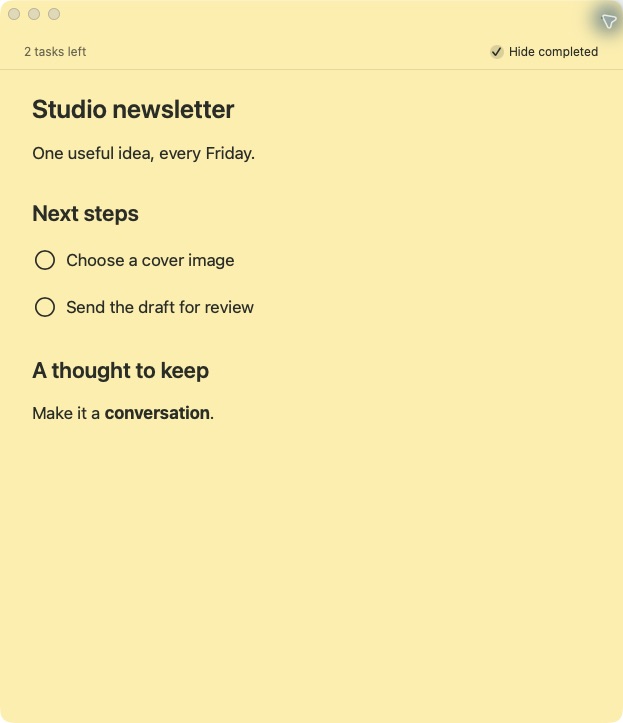
Focus Mode · Mac
One unfinished task at a time. Check it off, then move to the next—with your whole list still there when you need it.
Explore Focus ↗Native Mac recording: start with three tasks, open Note options → View → Focus, check Outline the main story, see its checked and struck state, then see Choose a cover image.
Open recordingA little nudge goes a long way
Set a reminder for one task, or choose an occasional nudge. Whole-note check-ins help you return to a collection of ideas.
Find your reminder rhythm ↗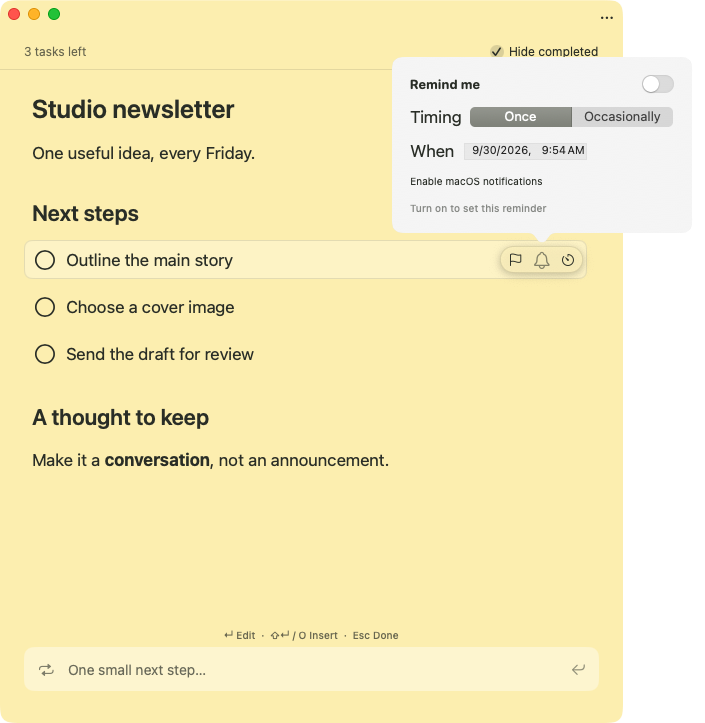
A nudge, not a calendar event
Some thoughts matter without needing a date. Let a random reminder bring one back now and then.
Set a time for a task, choose an occasional reminder, or let a little inspiration bring back a thought from your Unsticky.
Understand the reminder choices ↗Keep what catches your eye
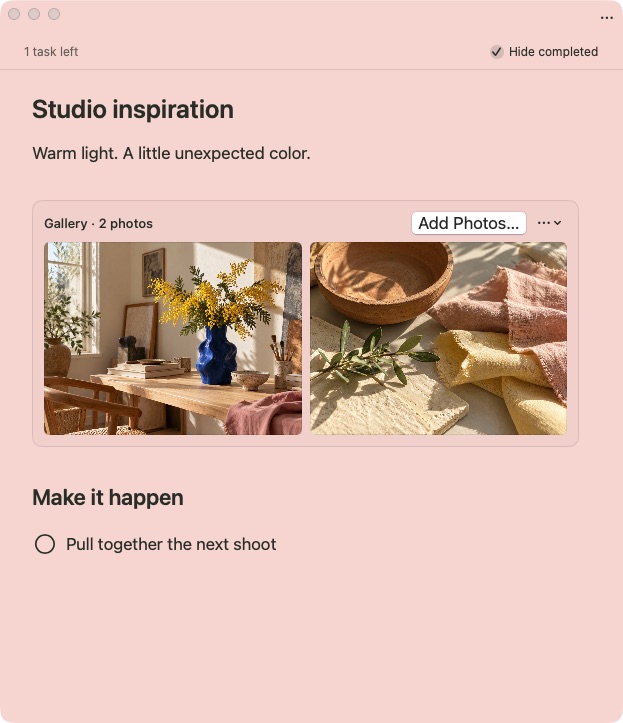
Collect photos in a gallery, keep your thoughts alongside them, and give the inspiration a next step.
Use Edit → Insert → Gallery to choose photos from files. Or select existing image items and choose Create Gallery. Select a photo to access size and crop controls.
More than a checklist
Mix tasks, headings, text, images and galleries. Use Markdown when it helps, or insert content from the menu.
Shape your first Unsticky ↗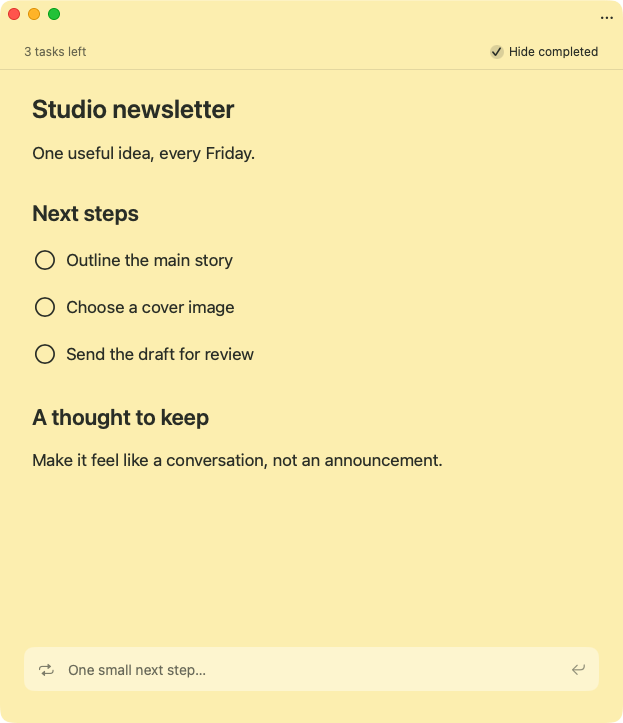
Availability
The site demonstrates the development Mac app. A public App Store download is not connected in this preview.
Read the Mac guide ↗In development. Phone imagery shows the mobile build; it is not an announcement of public availability.
Read about mobile ↗Connection instructions will be published for verified clients. No customer-ready setup is claimed here.
View setup status ↗ Unstickies
Coming soon. We’ll link the download here when it is available.
Mac App Store review and mobile development are separate. Public availability is not announced.