
Modern stickies for Mac. Mobile is on the way.
Think
without waiting.
Catch the idea. Give it a next step.
Bring your own AI along when you want a hand.
Mac release in preparation · No public download yet
The keyboard is king
Get it down.
Keep it going.
Type a thought. Press Return. Keep going. Quick entry keeps up when one idea leads to another.
Find your keyboard rhythm ↗What this shows
Native Mac recording: Outline the main story, Choose a cover image, and Send the draft for review are added in quick-entry mode, using Return between tasks.
Open recordingA little color. A lot of you.
Your thoughts.
Your colors.
A color for every train of thought. Light or dark, make it yours.
Butter · Light mode
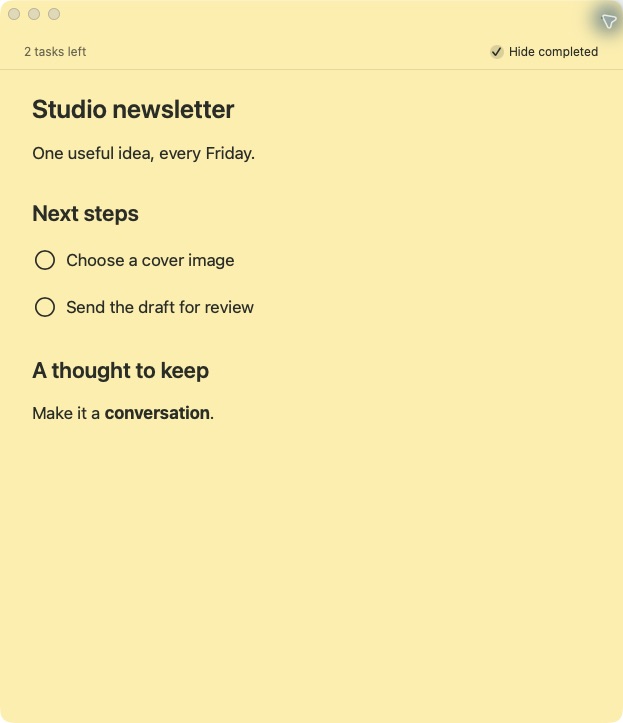
Keep what catches your eye
Some ideas
start with a picture.
Collect photos in a gallery, keep your thoughts alongside them, and give the inspiration a next step.
Make room for photos ↗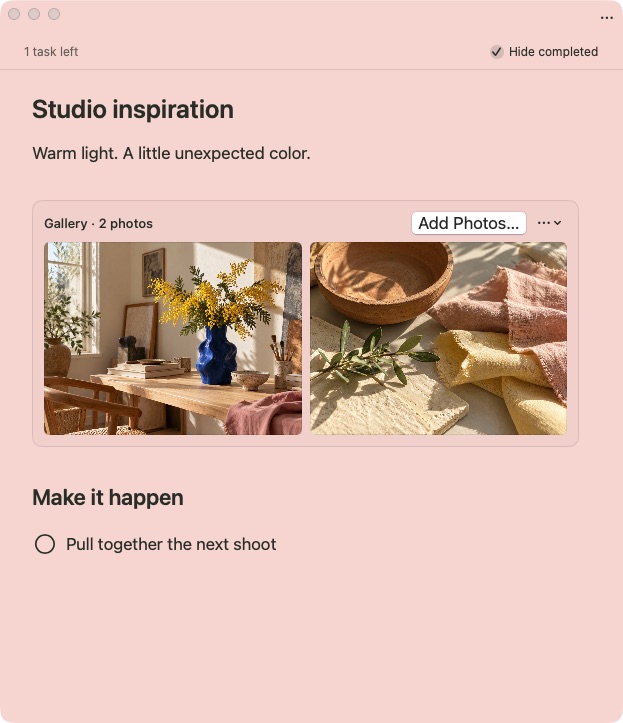
Focus Mode · Mac
Distracted?
Focus Mode
to the rescue.
One unfinished task at a time. Check it off, then move to the next—with your whole list still there when you need it.
Explore Focus ↗What this shows
Native Mac recording: start with three tasks, open Note options → View → Focus, check Outline the main story, see its checked and struck state, then see Choose a cover image.
Open recordingBring your own AI
Write a to-do list
for your AI.
Give your agent access through MCP. Tell it which note to work from, then keep thinking while it helps.
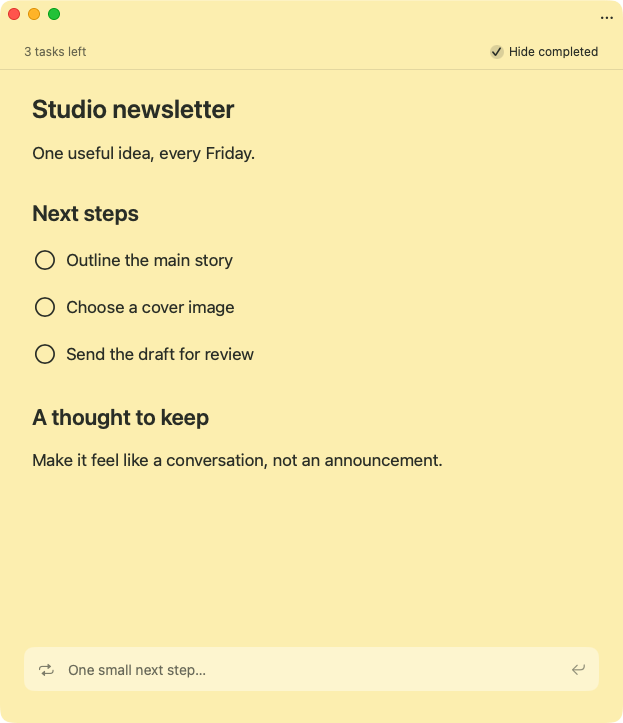
You set the direction
“Read my Studio newsletter Unsticky. Draft an outline for the main story and leave my checklist unchanged.”


Illustrative client examples · Connections not yet qualified.
No affiliation or endorsement.
Take the idea with you
Catch a thought on the run
A head start when you’re home
Capture it on your phone. With your agent connected and instructed, it could become work for you to review when you get back.
The next idea doesn’t have to wait until you’re back at your desk.
Mobile and agent workflow in development. A connected, instructed agent is required; completion time is not guaranteed.
 Unstickies
Give your thoughts
a place to grow.
Coming soon to MacComing soon. We’ll link the download here when it is available.
Mac App Store review and mobile development are separate. Public availability is not announced.